![flat-icon-web-alt.png]](https://ayuda.tramitapp.com/hs-fs/hubfs/Tramitapp_April2019%20/Images/flat-icon-web-alt.png?height=40&name=flat-icon-web-alt.png)
To know who is working on your team, you just have to:
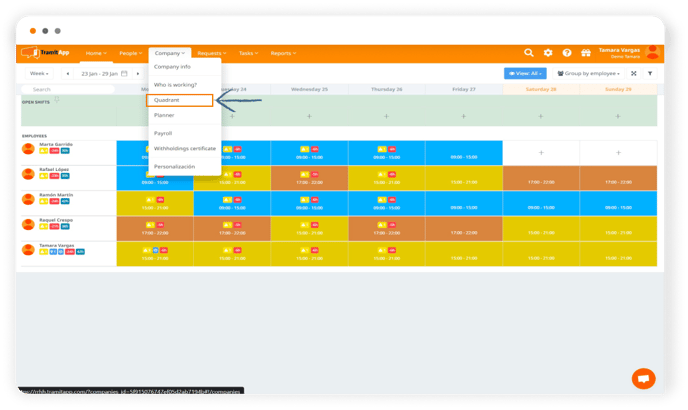
- Go to the shift schedule of your company in the "Company" menu and click on "Schedule".
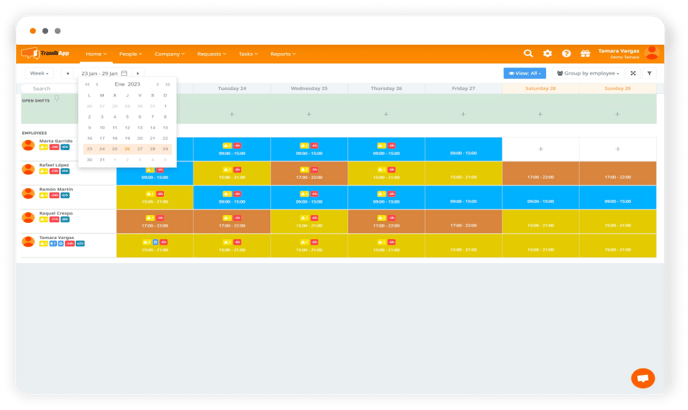
- From there, you can check the information by dates, at the top left by clicking the date range you want to view.
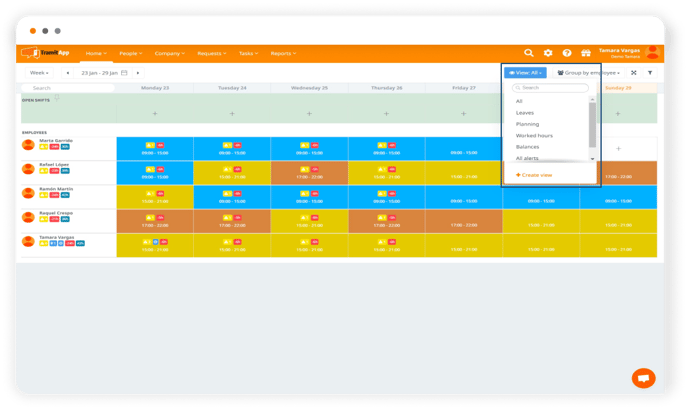
- You can also create custom views as you wish, in the "View" button at the top right.
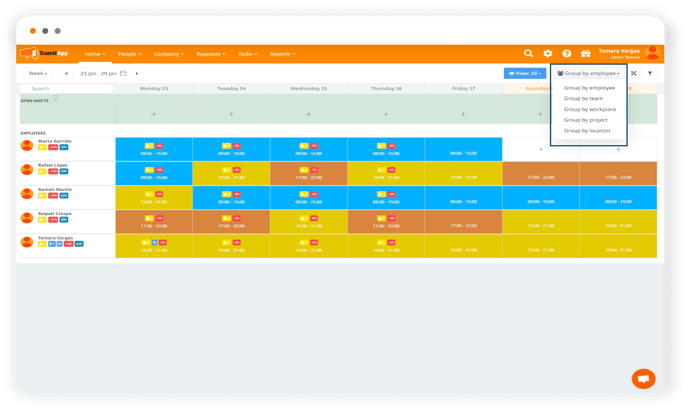
- Or filter the information by grouping by employee, teams, work center, projects or locations, in the "Group by employee" button, next to the "View" button.